
How to Choose

Access user manuals, troubleshooting guides, and customer service resources in one place.

1 Choose Your Installation Environment
2 Choose the Right Series for Your Needs
3 Choose the Right Screen Size
4 Result

Choose Your Installation Environment

Where do you plan to place the TV? Select the scene that best fits your space.

Full Sun (Direct Sunlight)

Full Sun (Direct Sunlight)

For areas completely exposed to sunlight.

Partial Sun (Some Shade)

Partial Sun (Some Shade)

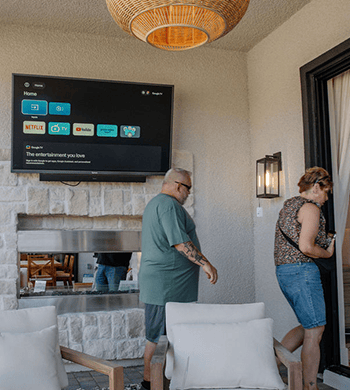
For partially covered spaces patios with pergolas, decks, outdoor kitchens.

Choose the Right Series for Your Needs

Select what fits you best.

Specifications
  • Smart System
  • Display Type
  • Refresh Rate
  • Color Accuracy
  • Best For
Deck Pro 2.0
Partial Sun
  • Google TV
  • LED
  • 60HZ
  • Good Color
  • Smart & Value
Deck Pro QLED 2.0
Partial Sun
  • Google TV
  • QLED
  • 60HZ
  • Excellent Color
  • Premium picture
Gaming
Partial Sun
  • Google TV
  • LED
  • 120HZ
  • Good Color
  • Sports/Gaming
Pool Pro 2.0
Full Sun
  • Google TV
  • LED
  • 60HZ
  • Good Color
  • Smart & Value
Pool Pro QLED 2.0
Full Sun
  • Google TV
  • QLED
  • 60HZ
  • Excellent Color
  • Premium picture
Cinema
Full Sun
  • Google TV
  • Helio QLED
  • 120HZ
  • Excellent Color
  • Sports/Gaming
Cinema Pro
Full Sun
  • Google TV
  • Helio QLED
  • 120HZ
  • Excellent Color
  • Sports/Gaming

Choose the Right Screen Size

Outdoor Space Type
Suggest Size(s)
Why?

Your Result

Here’s the best match for your setup.

Recommended setup